IPTV Canada Channel List (2026): What Is Included and How to Browse It
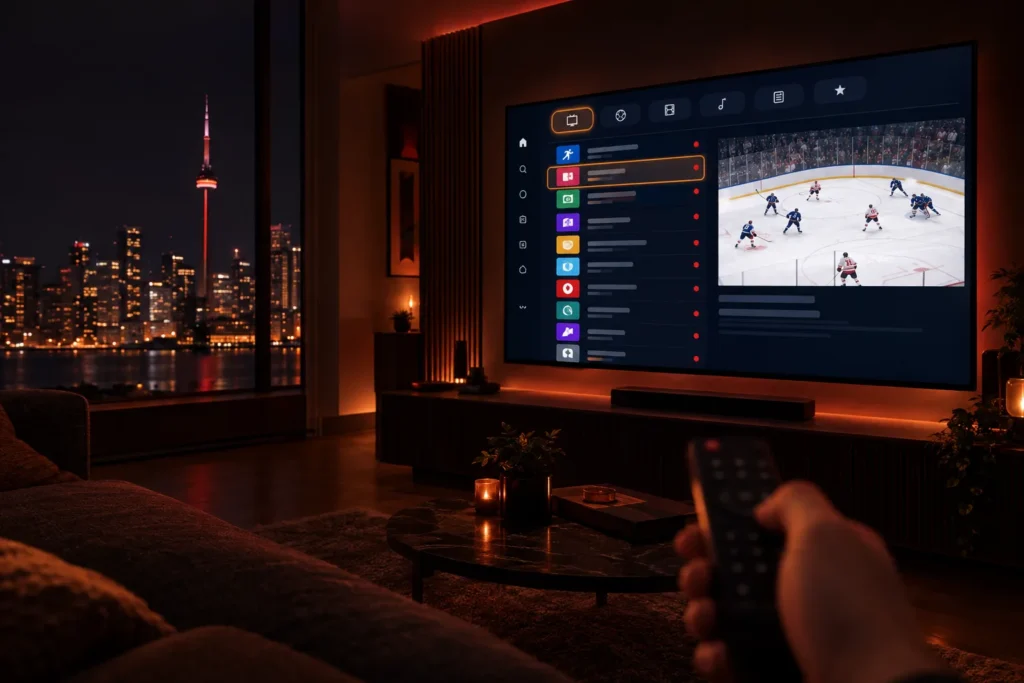
Before you pay for anything, the first question is simple: what channels will I actually get? A good IPTV Canada channel list is not one giant column of names. It is organised into groups, searchable, matched to a TV guide, and it includes the networks your household really watches. This guide explains what a channel list contains, how to browse it in your player app, and how to check that it covers your favourites before you spend a dollar.
The short answer: our service includes 25,000+ live channels and 120,000+ movies and series, grouped by category and country. You do not read it as a printed list. You open it inside a player app, where you can search, filter and mark favourites. The most reliable way to confirm your channels are in it is the 24-hour free trial.
What is an IPTV channel list?
An IPTV channel list is the full set of live channels your subscription gives you access to. It is delivered to your player app through your login details, either as Xtream codes or as an M3U link, and the app turns it into a channel grid and a TV guide. Our guide to getting IPTV explains both formats.
Two things follow from that. First, the list updates itself: when channels are added or reorganised, your app picks up the change the next time it refreshes, with no new download. Second, the list looks different in every app. The channels are the same, but the way they are grouped and shown depends on the player you choose. See our comparison of the best IPTV player apps for the differences.
What categories does an IPTV Canada channel list include?
With 25,000+ channels, the categories matter more than the total. Here is how a well-organised list is normally grouped:
| Category | What you find there | Who it suits |
|---|---|---|
| Canadian TV | National and regional networks, local stations, news and weather | Everyone, especially for local news |
| Sports | Hockey, football, soccer, basketball, motorsport, combat sports and PPV events | Sports fans |
| USA and UK | Major American and British networks, news and entertainment | Viewers who follow US and UK shows |
| Movies and series | Live movie channels plus an on-demand library | Households that stream in the evening |
| Kids and family | Cartoons, learning and family channels | Families with children |
| News and documentary | 24-hour news, nature, history and science | Anyone who prefers factual TV |
| International | Channels in French, Spanish, Arabic, Portuguese, Italian, Hindi, Punjabi and many other languages | Newcomers and multilingual homes |
The international group is where a large channel list earns its keep in Canada. Many households want channels from the country they come from alongside local TV, and that is something a cable package rarely offers without expensive add-ons. If a specific language matters to you, name it when you request your trial and we will tell you what is available.
How do you browse and search the channel list?
Thousands of channels would be unusable if you had to scroll. Every decent player gives you ways to cut the list down to what you watch:
- Groups. Channels are sorted into folders such as Canada, Sports or Kids. Start in the folder for the thing you want instead of the full list.
- Search. Type a channel name, a team or a league. Searching is the fastest way to find a specific game.
- Favourites. Mark the 20 to 50 channels you really watch and put them in their own group. After a week this becomes your everyday channel list.
- Hide what you do not need. Most players let you hide whole groups, so a French-language household never has to scroll past Spanish channels, and the reverse.
- The TV guide. The guide shows what is on now and next, and lets you jump to a time. It loads automatically when your player uses Xtream codes.
The first load can take a minute or two while the app downloads the channel list and the guide. After that it opens instantly. If the guide looks empty at first, leave the app open for a few minutes.
How can you check the channels you want before paying?
Do not trust a number on a website, ours included. A channel total says nothing about whether your channels are in it. Use the trial like a checklist:
- Write down your must-have channels first. Your local news station, the sports networks you follow, a kids’ channel, and any channel in another language.
- Start the free trial and install a player on the screen you use most. Our installation guide covers every device.
- Search for each channel by name and open it. Confirm it plays and that the guide shows the right programmes.
- Watch a live event. A game or a news bulletin tests channel quality when it matters most. Check the picture, the sound and any delay.
- Ask us about anything missing. If a channel you need is not there, tell us before you buy. We will say honestly whether we can help.
A trial with no credit card is the norm for a provider that is confident in its list. Our guide to buying IPTV safely explains why you should always test first.
What makes a channel list good, not just big?
Size is the easiest thing to advertise and the least useful to compare. These are the things that actually make a list pleasant to live with:
- Clear names and groups. You should be able to tell what a channel is from its name, without guessing.
- A working TV guide. A channel with no guide data is much harder to use.
- Several quality options. Many networks have a standard and a high-definition version. Good lists make them easy to tell apart.
- Channels that stay up. A long list is worth little if popular channels drop out during a big game. Stable servers and anti-freeze technology matter more than the total.
- Honest wording. Be careful of any provider that promises every channel in the world. Channel availability changes as third-party sources change, and a trustworthy provider says so.
Does the channel list change?
Yes, and that is normal. Channels are added, renamed and reorganised over time, and the list in your app refreshes to match. If a channel you rely on stops working, tell us. Messaging support is quicker than hunting for it yourself, and we can often point you to a working alternative the same day.
If channels buffer instead of disappearing, the cause is usually the connection to your TV, not the list itself. Our guides on internet speed for IPTV and fixing IPTV buffering cover the usual fixes.
Frequently asked questions
How many channels are in the IPTV Canada channel list?
Our service includes more than 25,000 live channels and more than 120,000 movies and series. The exact count shifts over time as channels are added and updated, so treat the figures as indicative.
Can I get a printed or downloadable channel list?
The list lives inside your player app, where you can search and filter it. With a free trial you can browse the whole thing yourself. If you need to confirm a particular channel before trying, message us and we will check it for you.
Are Canadian local channels included?
Canadian networks are a core part of the list, but local stations vary by city. The trial is the quickest way to check yours. Search for your local news station and see whether it plays. We also have guides for Toronto, Montreal and Vancouver.
Do all plans include the same channels?
Yes. Every plan unlocks the same complete service. The only difference is how long you pay for, so you never have to choose between a cheaper plan and fewer channels. See the pricing page.
Can I watch the channels on more than one device?
You can install the app on as many devices as you like. Each plan includes one simultaneous connection, so one screen can be playing at a time.
What if a channel I want is missing?
Message us on WhatsApp or email support@proiptv.ca with the channel name. A real person will tell you whether it is available or suggest an alternative.
The short version
A good channel list is organised, searchable and matched to a TV guide, not just long. Write down the channels you cannot live without, start the trial, and search for each one before you decide.
The easiest way to see the whole list is the 24-hour free trial, with no credit card and the full service. Compare terms on the pricing page, or read what IPTV is if you are still deciding whether it suits you.