How Can I Get IPTV? A Simple Step-by-Step Guide for Canada (2026)
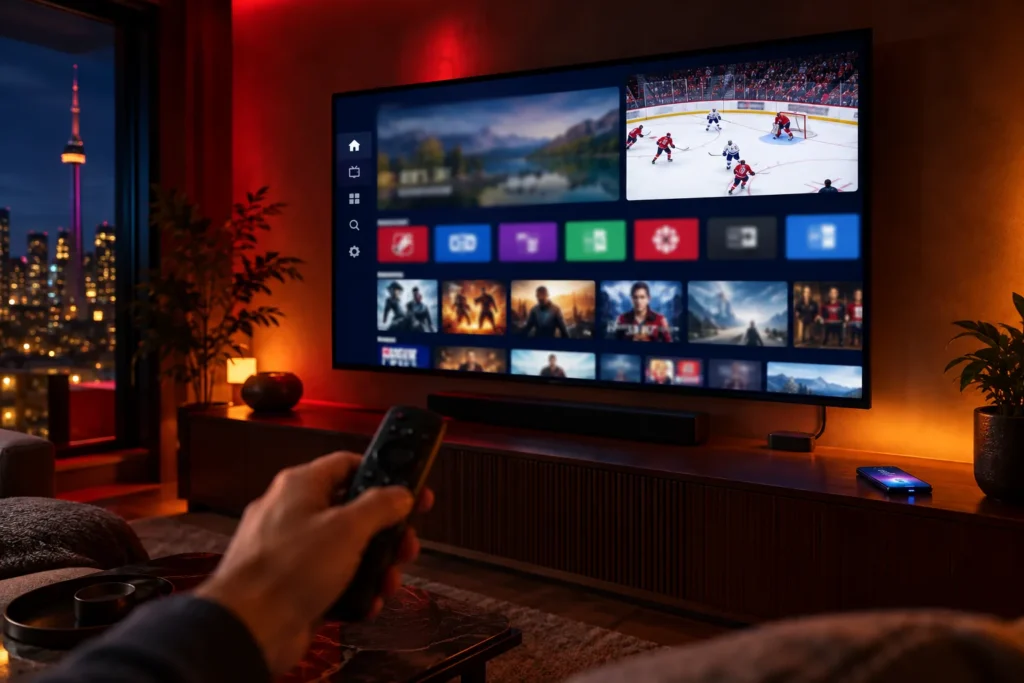
If you are asking “how can I get IPTV?”, the good news is that it is simpler than getting cable. There is no technician, no box to rent and no contract. You need four things, and there is a strong chance you already own three of them. This guide explains what each one is, walks through the setup step by step, and then shows you exactly how to get IPTV running on the device you actually watch on.
The short answer: to get IPTV you need an internet connection, a device such as a Firestick, Smart TV or phone, a player app like TiviMate or IPTV Smarters, and a subscription that gives you login details. Start with a free trial, install the app, enter your details, and you are watching — usually within minutes.
What do you need to get IPTV?
IPTV is television delivered over the internet instead of a cable line or a dish. That changes what you need at home. Here is the full list, and how likely you are to have each piece already:
| What you need | What it does | Do you already have it? |
|---|---|---|
| Internet connection | Carries the TV signal to your home | Almost certainly |
| A device | The screen, or the stick that plugs into it | Very likely — a Smart TV, Firestick, phone or laptop |
| A player app | Plays the channels and shows the TV guide | Free to download in minutes |
| A subscription | Gives you the login details to the channels | This is the part you get from a provider |
The most common misunderstanding is thinking you need to buy special hardware. You almost never do. If your television is a Smart TV from the last few years, or you own any streaming stick, you can skip the shopping entirely. Our guide to IPTV boxes in Canada covers the rare cases where buying one makes sense.
How can I get IPTV, step by step?
The order matters more than people expect. Follow these five steps and you avoid the two classic mistakes: paying before testing, and blaming the service for a problem that is really your Wi-Fi.
- Check your internet speed. Around 10 Mbps is enough for one screen in Full HD, and 25 Mbps for 4K. Test it at the TV in the evening, not next to the router at lunchtime. Our guide on internet speed for IPTV explains how.
- Choose the device you will watch on. Pick the screen you actually use most. Setting everything up on a laptop and then moving to the living room TV means testing twice.
- Get a free trial. Any provider worth paying lets you test first. Ours runs for 24 hours with no credit card: you tell us your device, and we send your login details by email.
- Install a player app. Download a player such as TiviMate, IPTV Smarters or another Xtream-compatible app from your device’s official app store.
- Enter your login details and start watching. The channel list and TV guide take a minute or two to load the first time, and are instant after that.
If steps four and five sound like more than you want to deal with, say so when you contact us. Our team will install and activate the app for you at no charge.
How do you get IPTV on your device?
The five steps are the same everywhere. What changes from one device to another is where you find the app and how you type in your details.
Amazon Firestick and Fire TV
The Firestick is the most popular way to get IPTV in Canada, because it is inexpensive and turns any TV with an HDMI port into a streaming screen. The recommended player, TiviMate, is not in the Amazon Appstore, so it is installed with Downloader, a free app that is. We send you the download address with your login details, and our Firestick installation guide walks you through every step. Typing with the remote is slow, so it is worth doing carefully once — and never install a player from a random link.
Android TV boxes and Google TV
Android-based boxes and TVs with Google TV have the widest choice of players, including TiviMate, through the Google Play Store. This is one of the smoothest setups available, especially if the box is connected to your router with an Ethernet cable.
Samsung, LG and other Smart TVs
Most modern Smart TVs can run an IPTV player straight from the TV’s own app store, with no extra hardware. The selection of apps is smaller than on Android, and older TVs can be slow, so if yours struggles, a streaming stick is the easiest upgrade.
iPhone, iPad and Android phones
Download a player from the App Store or Google Play and sign in. Phones are ideal for watching a game away from the TV. Remember that every plan includes one simultaneous connection, so if the TV is already playing, your phone will not start a second stream until the first one stops.
Windows PC and Mac
Computers work well with desktop IPTV players. It is also the quickest place to test a trial, because typing your details on a keyboard takes seconds.
MAG and Formuler boxes
These dedicated IPTV boxes work a little differently: instead of a username and password, they are usually activated using the box’s MAC address, which is printed on a sticker on the device and shown in its settings. Send us that address and we activate the box from our side.
What are M3U links and Xtream codes?
These are the two most common formats your login details come in, and knowing the difference saves confusion when a player asks for them:
- Xtream codes are three pieces of information: a server address, a username and a password. Most modern players prefer this format, because it loads the TV guide and the movie library automatically.
- An M3U link is a single web address that contains your whole channel list. It works in almost any player, but some apps handle the guide less smoothly with it.
You do not have to choose. Tell us which app you use and we send the details in the format it expects.
Can you get IPTV for free?
Some television is genuinely free in Canada: local channels over an antenna, and a growing number of legitimate ad-supported streaming channels. For a full live TV lineup with sport, though, “free IPTV” sites and apps are usually a trade you pay for another way — through malware, stolen data, or a service that vanishes mid-season. Our guide to free IPTV in Canada separates the safe options from the risky ones.
The honest way to get IPTV for nothing is a free trial. It costs nothing, and it tells you more about a service than any review.
How much does it cost to get IPTV?
With us, every plan includes the full service and one simultaneous connection, priced in Canadian dollars:
- 3 months — $29 CAD ($9.67 a month)
- 6 months — $49 CAD ($8.17 a month)
- 12 months — $79 CAD ($6.58 a month)
- Lifetime — $299 CAD, paid once
There is no hardware to buy, no setup fee and no automatic billing — you pay once for the term you choose. Current figures are always on the pricing page, and our IPTV cost guide shows how that compares to the rest of the Canadian market.
What should you avoid when getting IPTV?
- Apps from unknown websites. Stick to players from official app stores. A provider that insists you install its own app from a download link is asking you to run unverified software on your home network.
- Paying before testing. A trial with no card required is the norm for providers confident in their service.
- Prices that make no sense. Servers and support staff cost money. A few dollars for a whole year usually means the service will not last the year.
- Payment methods you cannot reverse, on a first purchase from anyone. Card or PayPal give you a way to dispute a charge.
Our guides on how to buy IPTV safely and whether IPTV is safe go into each of these in detail.
Frequently asked questions
How long does it take to get IPTV set up?
Usually a few minutes. Activation is immediate once your details are issued, and installing a player and signing in is quick on most devices. The first channel list load takes a minute or two.
Do I need a special box to get IPTV?
No. A Firestick, Android TV box, Smart TV, phone, tablet or computer all work. Only buy hardware if your TV is old or too slow to run a player app.
Can I get IPTV on more than one TV?
You can install the app on as many devices as you like. Each plan includes one simultaneous connection, which means one screen can be playing at any given moment.
Do I need a VPN to get IPTV?
Not with us — secure streaming access is built into the service, so there is no separate VPN to buy or configure.
What if I get stuck during setup?
Message us on WhatsApp or email support@proiptv.ca. A real person will help, and if you prefer, our team will install and activate everything for you at no charge.
The short version
To get IPTV, check your internet, pick the screen you watch most, take a free trial, install a player from the official app store, and enter your login details. Most people are watching within minutes, on a device they already own.
The fastest way to start is the 24-hour free trial — no credit card, full service. Compare terms on the pricing page, or read what IPTV is if you are still deciding whether it is right for you.